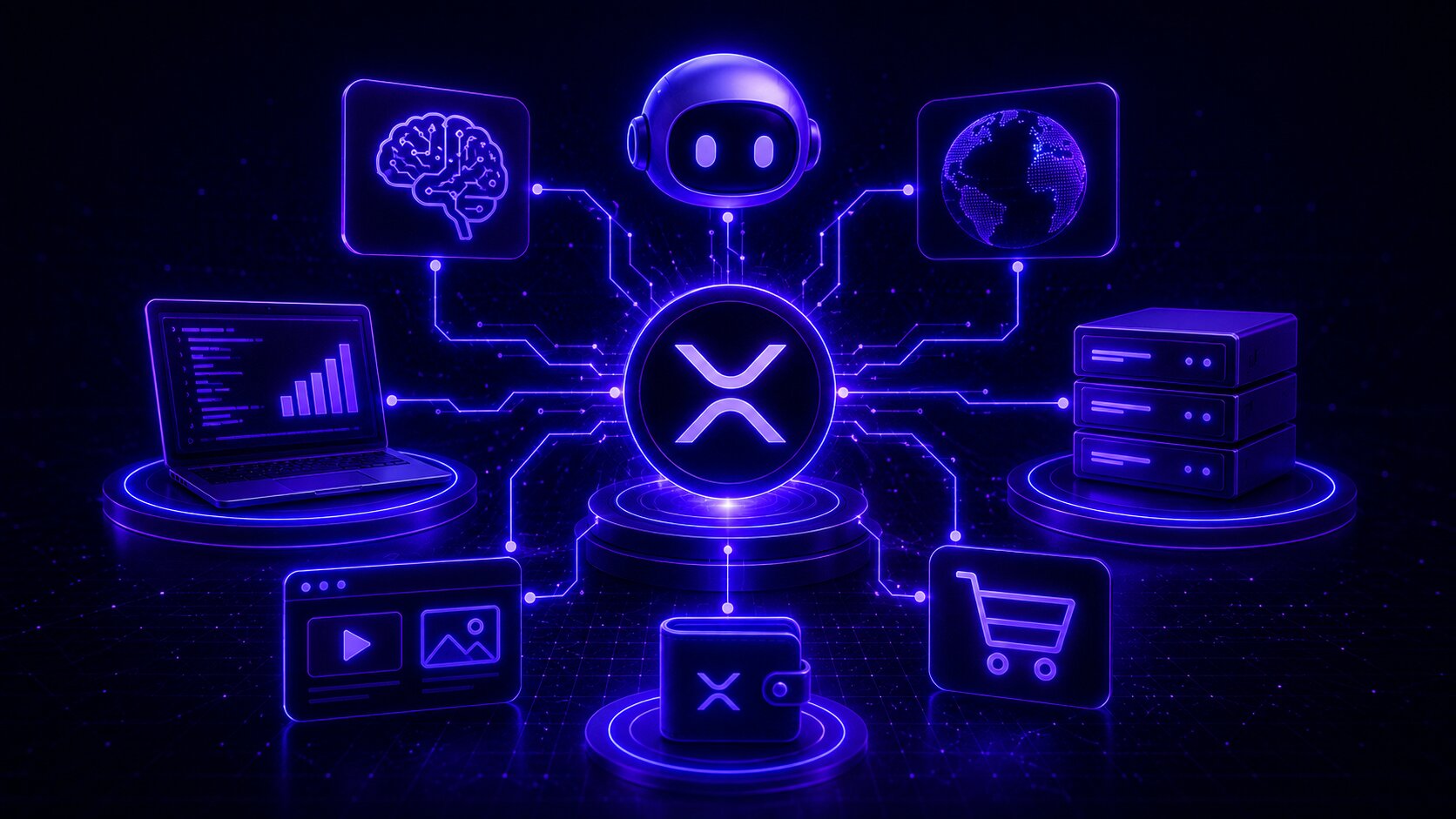
The way APIs get monetized is changing. Flat-rate subscriptions and API key billing work when a human is on the other end, someone who can sign up, enter a card, and manage a dashboard. But AI agents are not humans. They call APIs at 3am, chain requests across dozens of services, and make decisions in milliseconds. The billing model that works for developers does not work for autonomous software. x402 and XRP were built for exactly this.
What DropPay Gives Developers
DropPay is a non-custodial XRP payment platform with a REST API, webhook notifications, and a hosted payment page layer. You connect your XRPL wallet, create a payment request via API, and send the returned pay_url to whoever owes you money. When they pay with Xaman or any XRPL wallet, DropPay detects the on-chain transaction and fires a signed webhook to your server.
The pay_url hosts a full payment page with a QR code and Xaman deep link. Your customer scans it, pays in seconds, and your webhook fires the moment the XRPL ledger confirms. No polling. No manual checking. The webhook payload includes the XRP transaction hash so you can verify it independently.
Use cases include freelance invoicing, ecommerce order activation, SaaS trial upgrades, and any workflow where a customer needs to pay before getting access.
Adding x402 to Your API
x402 is an open HTTP standard that lets a server tell any HTTP client exactly how to pay and what to pay. It repurposes the long-dormant 402 status code. When an unauthenticated client calls your endpoint, it gets back the price and your wallet address. It pays directly on the XRP Ledger and retries with proof. Your server verifies the transaction on-chain and grants access.
DropPay provides the verification infrastructure. One middleware line is all you need:
Install: pip install droppay-x402 --extra-index-url https://droppayxrp.com/pypi/simple/
The config URL points to your DropPay account settings. It contains your wallet address, the price you want to charge, and the verification endpoint. When a client presents a payment transaction hash in the X-Payment header, the middleware calls DropPay, which queries the XRP Ledger to confirm the payment, checks the amount matches, and verifies the transaction has not been used before. If everything checks out, the request passes through.
The payment goes directly from the client wallet to your wallet on the XRP Ledger. DropPay verifies but never holds or touches the funds. Settlement takes 3 to 5 seconds.
How AI Agents Pay Automatically
The x402 flow was designed with machines in mind. The droppay-x402 package ships an X402Client that handles the entire 402 pay-retry cycle with no human input required. You use it the same way you would use the requests or httpx libraries:
The XRPL wallet seed stays in an environment variable on the agent's machine. No payment credentials leave the agent's environment. The agent pays from a pre-funded XRP wallet. Each payment settles on-chain and can be independently verified by anyone.
DropPay agent payments use SourceTag 1146244944 (0x44524F50, the ASCII encoding of DROP) to identify agentic transactions on-chain. This is visible in the XRPL transaction explorer.
Real-World Use Cases
- Paid data APIs. A hedge fund deploys a research agent that calls a financial data API thousands of times per day. Each call costs 0.10 XRP. The agent pays per request with no subscription, no billing account, and no rate limit beyond what the wallet balance allows.
- AI-to-AI service calls. One agent orchestrates a pipeline that calls a specialized summarization agent, a translation agent, and a classification agent. Each sub-agent has an x402-protected endpoint. The orchestrator pays each one and combines the results. No human billing setup for any of the services.
- Metered inference APIs. An LLM inference provider wants to charge per token rather than per month. With x402, each request carries a payment. Small models cost less. Long context calls cost more. Pricing is transparent and enforced at the HTTP layer.
- IoT sensor data. Devices selling sensor readings to data buyers. The buyer agent pays per data point. The device wallet accumulates XRP automatically.
The DropPay MCP Server
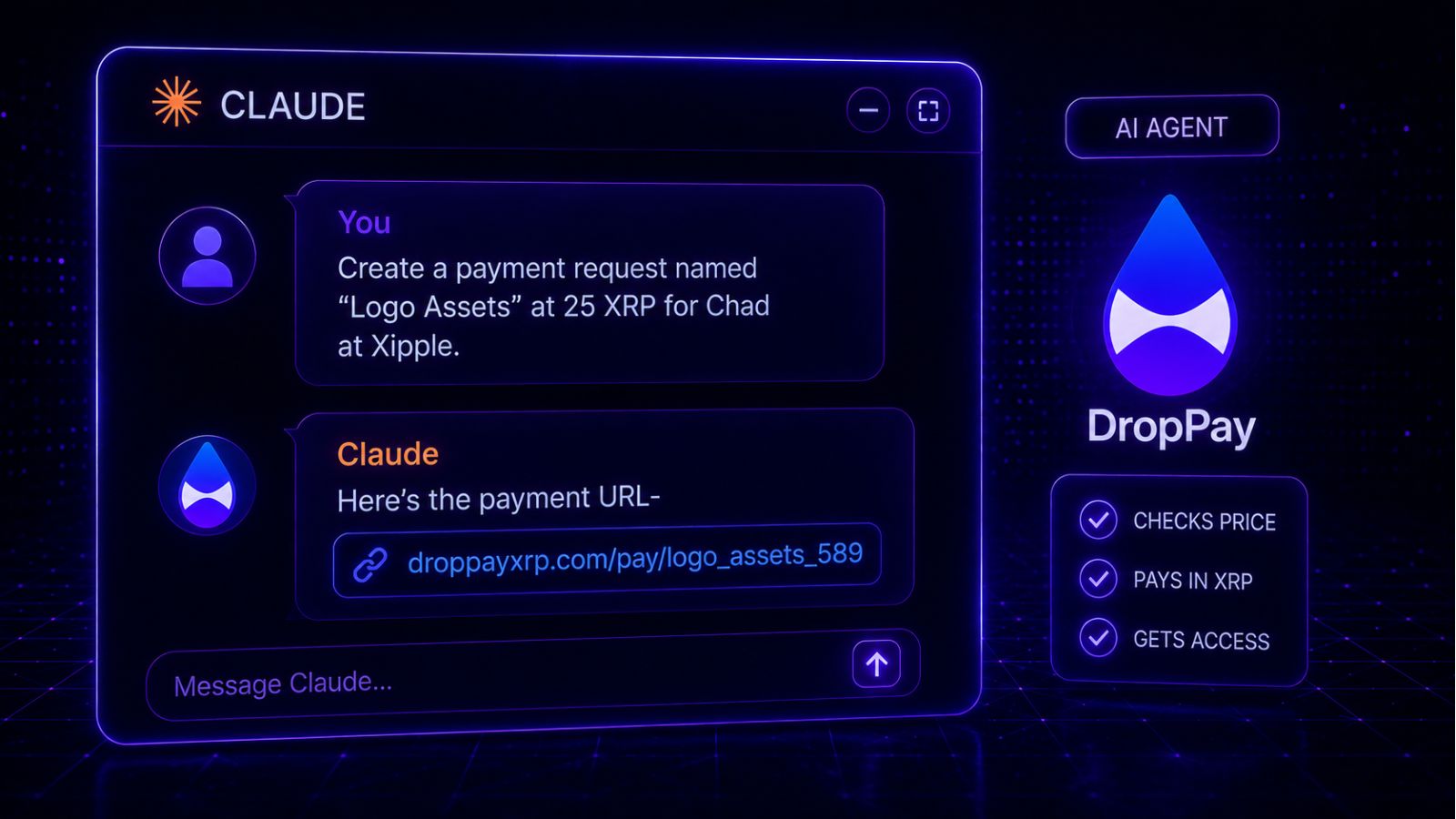
Alongside the autonomous payment tools, DropPay ships a Model Context Protocol server that connects your DropPay account to Claude Desktop. Where x402 is for machines transacting without human involvement, the MCP server is for you, using Claude as an assistant to manage your account.
Once connected, you can ask Claude to create a payment request for a specific amount, check whether an invoice has been paid, or retrieve a list of recent transactions. Claude calls your DropPay account on your behalf and returns the result in plain language.
Install it with:
Then add it to your Claude Desktop MCP config with your dp_live_ API key. The MCP server requires a Pro account.
Add x402 to your FastAPI or Flask endpoint in minutes. Free plan included.
Get started free